LyfeCommand Ads 14 · Isis Image Viewer
Made from Your Words.
Campaign artwork and concept by MetaDreams Global, LLC/MetaDreams.io.
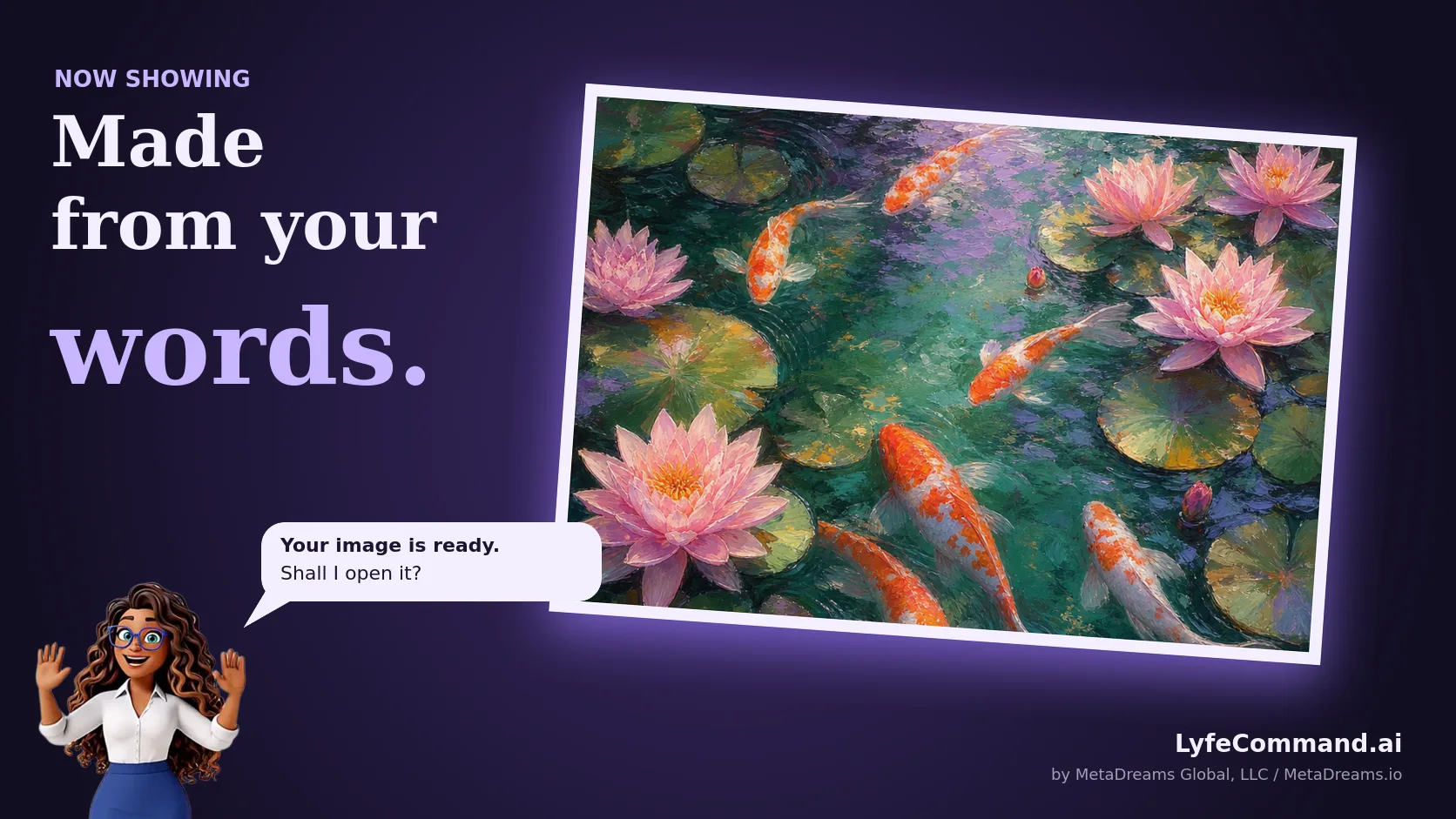
The image is finished, but you are still in control of the workspace. This campaign introduces the final step of Voice-to-Image: ISIS tells you the result is ready, asks if you want to see it, and opens the saved image in Isis Image Viewer when you agree.
Your image, your workspace
- Hear that the image is ready
- Ask ISIS to open the saved image
- Minimize the viewer to keep working
- Restore the viewer from the workspace dock
An invitation, not an interruption
When you ask for background creation, a finished image does not need to take over the screen. ISIS offers to open it so you can choose a good moment to look. Say yes and she can show the saved result in the workspace.
The viewer is a way to see the image at a useful size while staying with ISIS. It is not a separate generation request, and opening it again should show the same image you already created.
Put it away without losing it
Ask ISIS to minimize the viewer when you need space. The window remains in the dock and can be restored later. Closing the viewer removes that workspace view, not the image saved in IsisGPT.
This separates creating, displaying and storing an image. You describe the idea, ISIS generates it through IsisGPT, and the viewer helps you see the saved result when you want it. Review the image before downloading or using it elsewhere.
Keep the distinction clear
Minimizing or closing a viewer is not the same as deleting its saved IsisGPT image. Generated visuals can contain mistakes; review any result before sharing it.